Select Ratio, AI Fills the Background
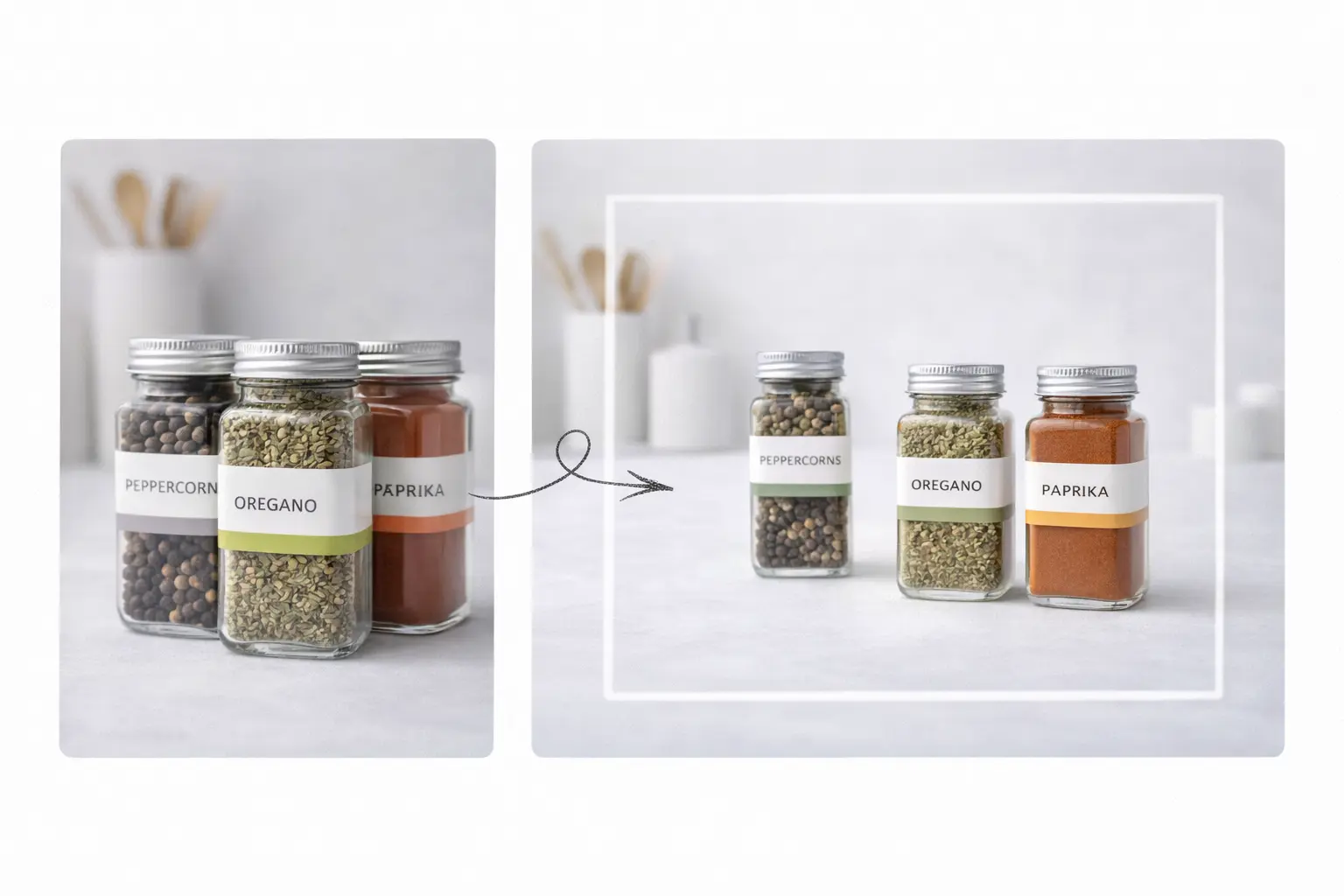
Choose your target ratio and let AI expand and fill the background — without cropping the subject.
Click or drag to upload image
Supports JPG, PNG, WEBP (up to 20MB).
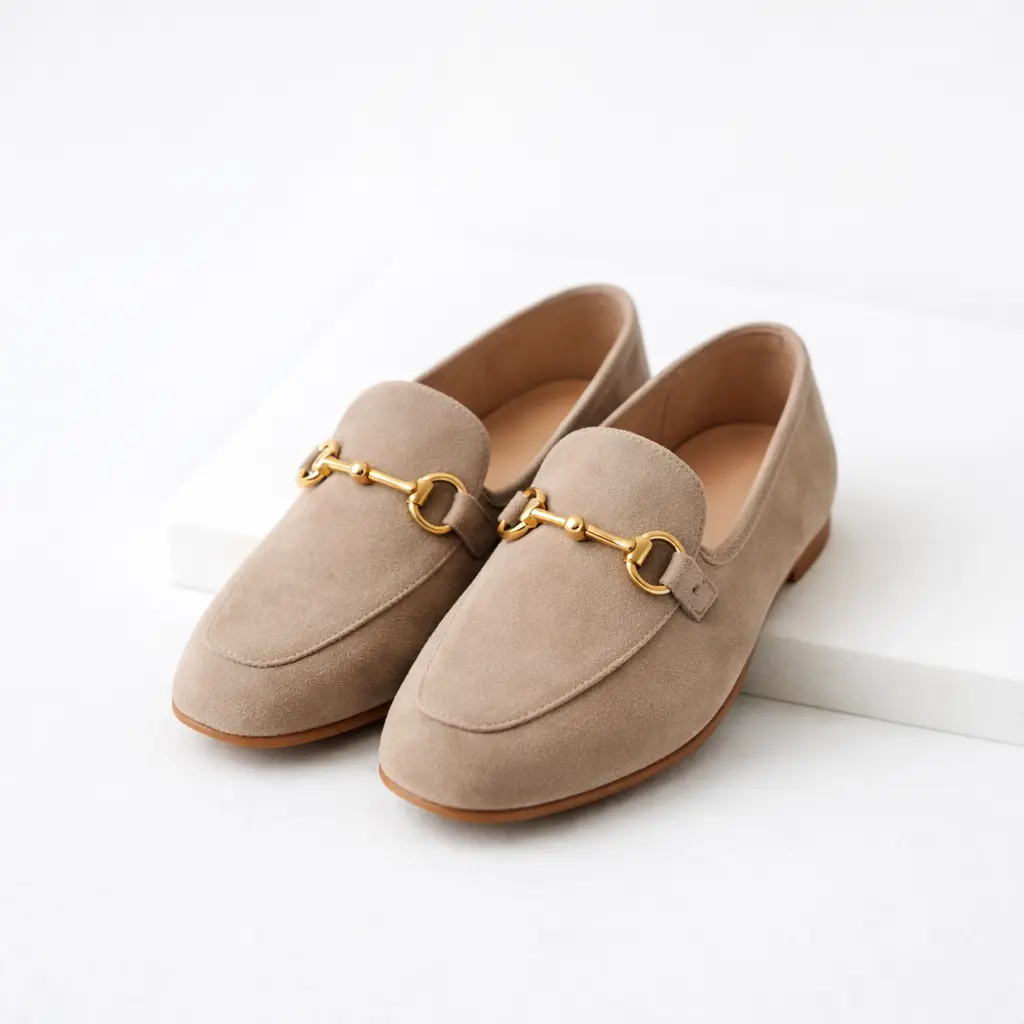
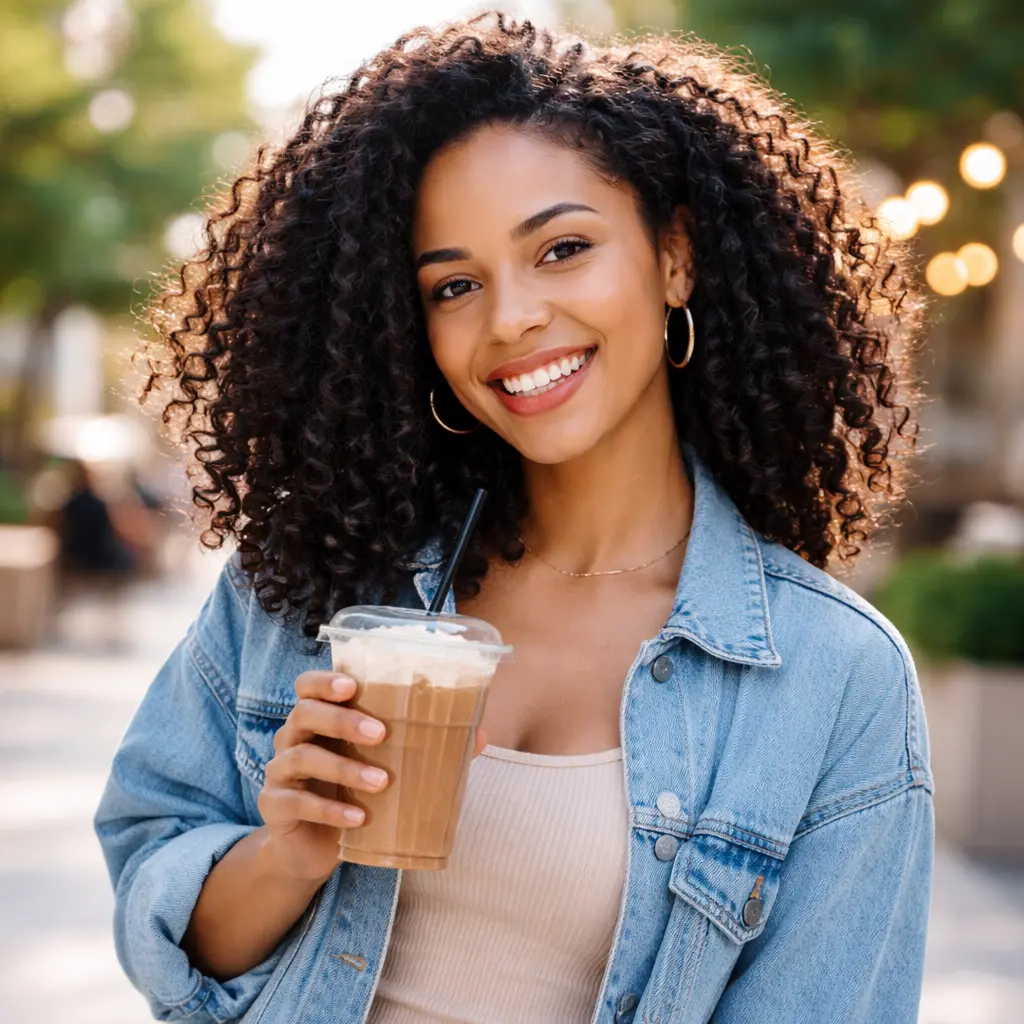
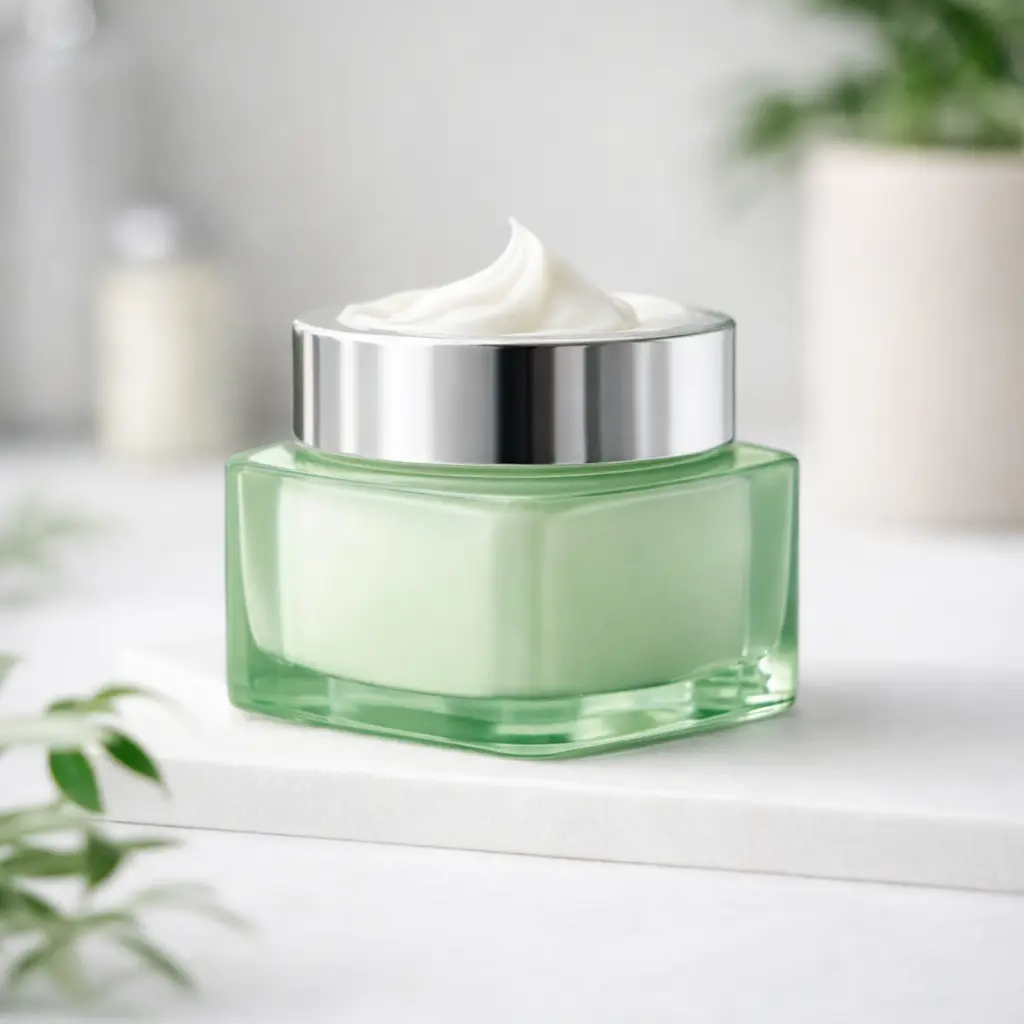
Try with sample images
Pick a sample to see how background expansion works.
Why use Image Expander
Designed for creators, e-commerce sellers, and marketers who need perfect sizes without cropping.
Keep the main subject intact
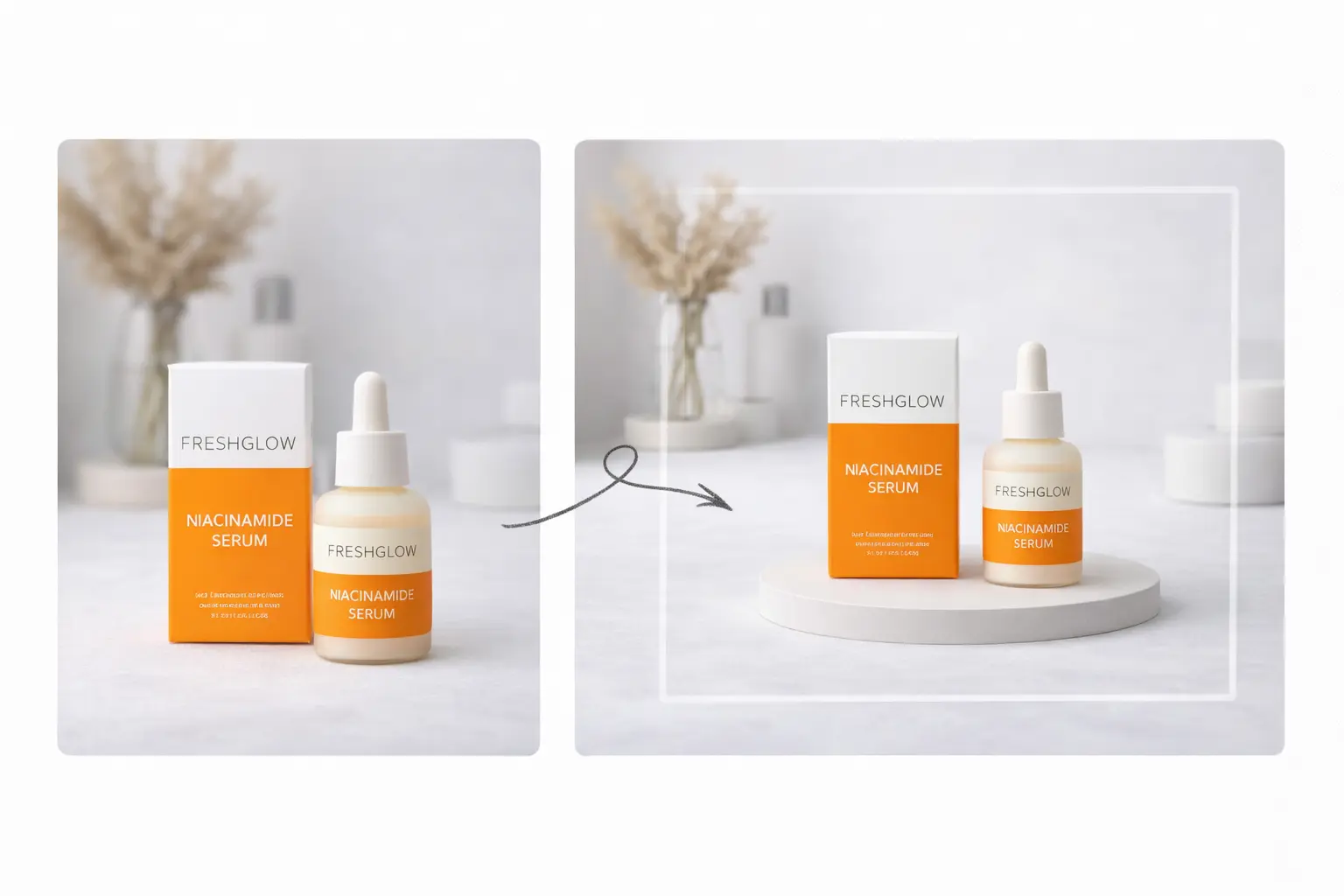
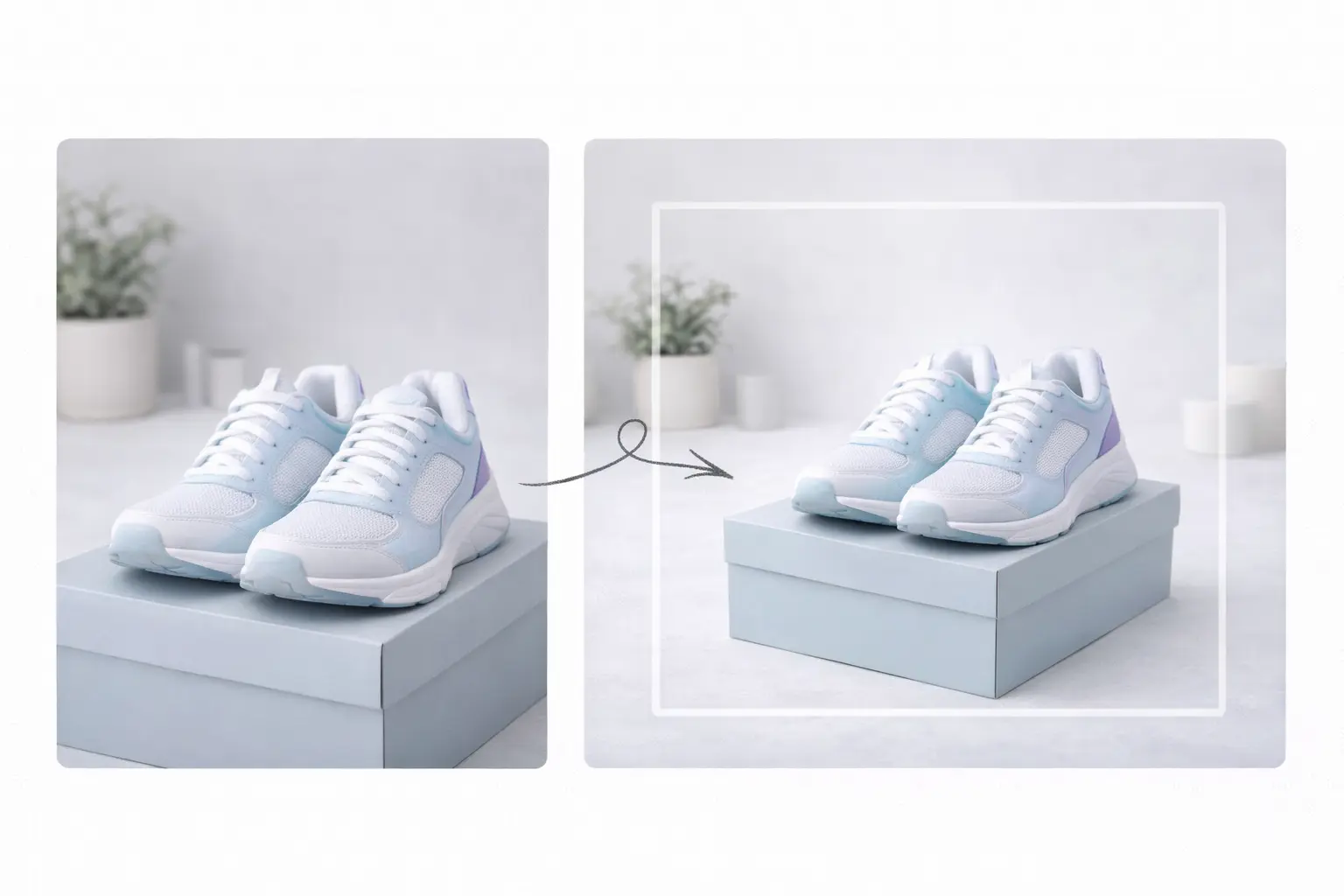
Your subject remains unchanged while the background is expanded around it.
Natural background completion
AI fills missing areas to match lighting, texture, and style for seamless results.
Works for any platform size
Expand to vertical, square, or wide formats for social posts, ads, and product listings.
No-credit-on-failure protection
If generation fails or times out, credits are not deducted.
Keep the main subject intact
Your subject remains unchanged while the background is expanded around it.
Make every photo fit, without re-shooting
Turn tight crops into platform-ready visuals and keep the subject exactly as-is.
Creators & social media
Convert landscape photos into vertical content for TikTok, Reels, and Shorts — without cutting off the subject.
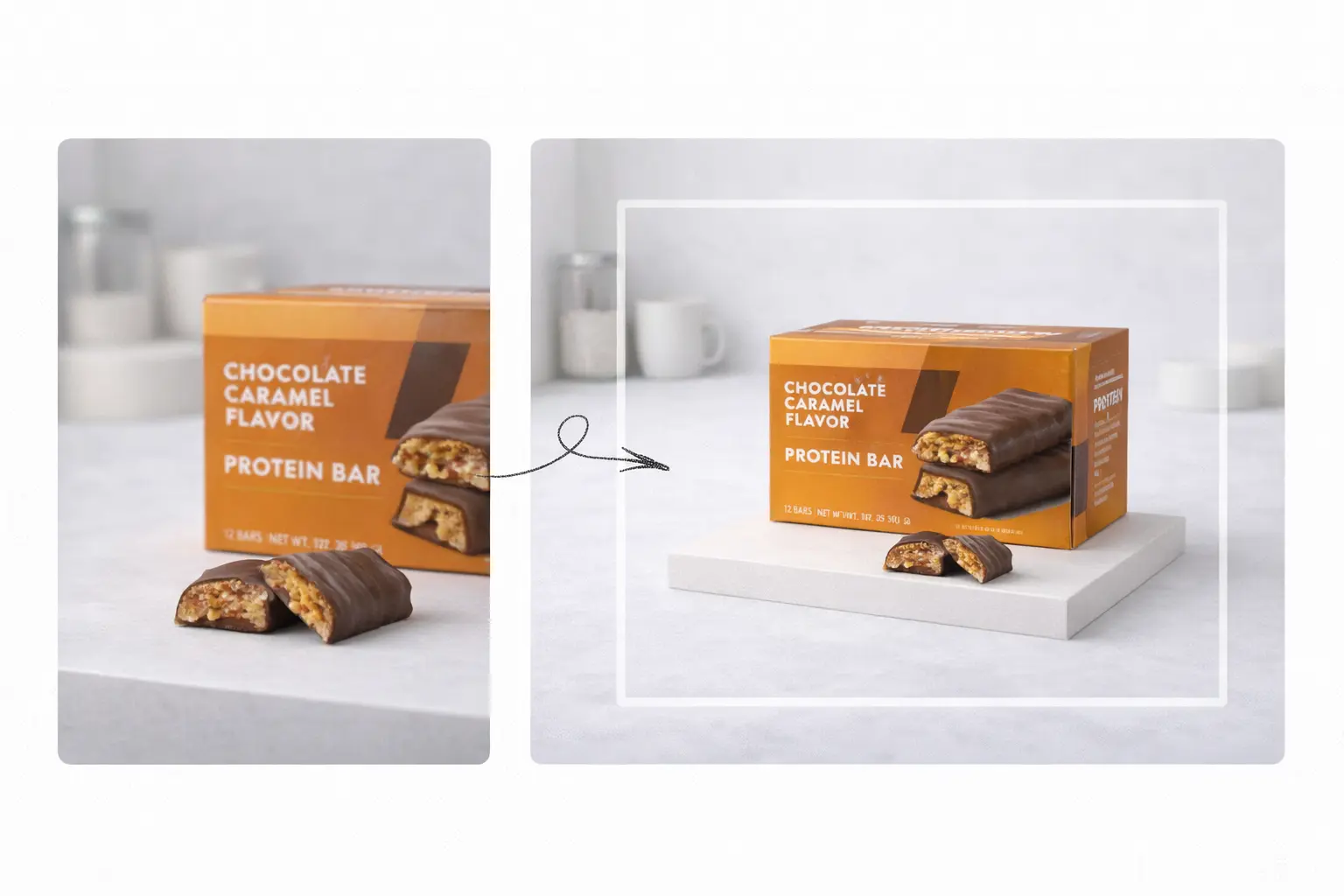
E-commerce product images
Create clean breathing room around products for marketplaces, main images, and banners.
Marketing & ads
Generate banner-friendly compositions and leave space for headlines and CTAs.
Photography workflows
Fix tight framing and missing edges while preserving original composition and detail.
Frequently asked questions
Does this crop my image?
No. The original image remains untouched. Only the canvas is expanded and the background is filled.
Will the subject be changed?
No. The subject stays the same. The tool focuses on extending the background around it.
What images work best?
Images with a clear subject and simpler backgrounds usually produce the most natural expansions.
What if it fails or times out?
You can retry. If generation fails or times out, credits are not deducted.
Which sizes are supported?
You can expand to any target size larger than the original image, including common platform presets.
Is my image private?
We process your image only to generate the result. Refer to our privacy policy for details.
Why must the target size be larger than the original?
Image expansion adds new background area. If the target is smaller, it becomes a resize/crop task, which this tool is not designed for.
Can I control where the subject stays?
Yes. Choose a subject position (center/left/right/top/bottom) to control how the canvas expands.
Will it add new objects to the background?
The tool focuses on extending existing background, not generating new objects.
What formats can I download?
You can download as PNG/JPG/WEBP depending on your preference.
Ready to expand your image?
Upload a photo and generate a platform-ready expanded version in seconds.